Holler
Push-to-talk dictation for macOS: hold a hotkey, speak, and the text lands at your cursor. Recognition runs fully local on whisper.cpp. The app is in beta testing.
- 01Hold right ⌥
- 02Speak
- 03Let go — the text is already there
Hi! We'll be there Saturday at seven, I'll bring the cake and candles.
Dictate fast and privately: live partial results while you are still speaking, no cloud — no audio ever leaves the machine.
- Native macOS app (Swift)
- Local whisper.cpp recognition + Metal
- Flow Bar — live state indicator
- Optional cloud text correction
 01 / 04
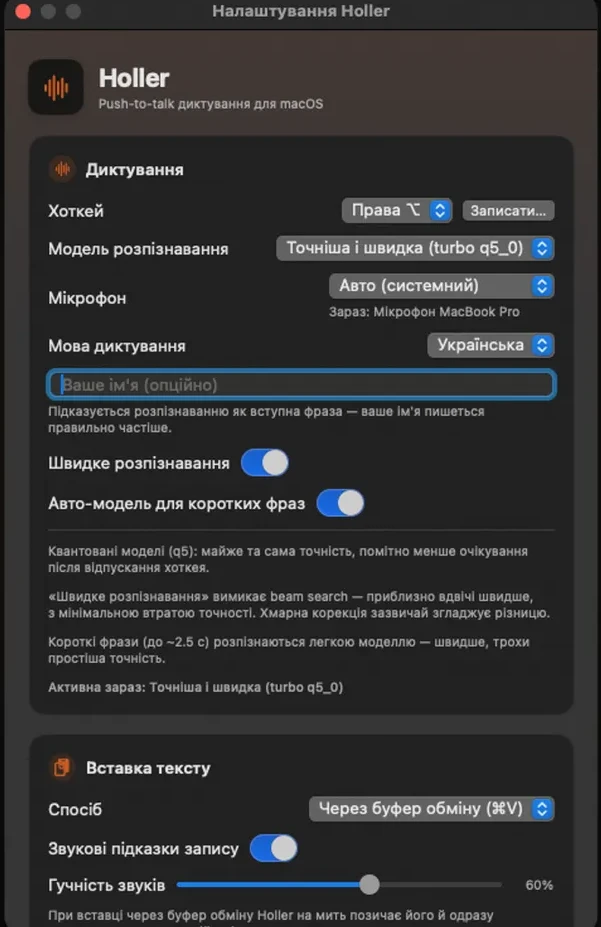
Settings: hotkey, recognition model, microphone and dictation language. A fast mode and a light model for short phrases.
 02 / 04
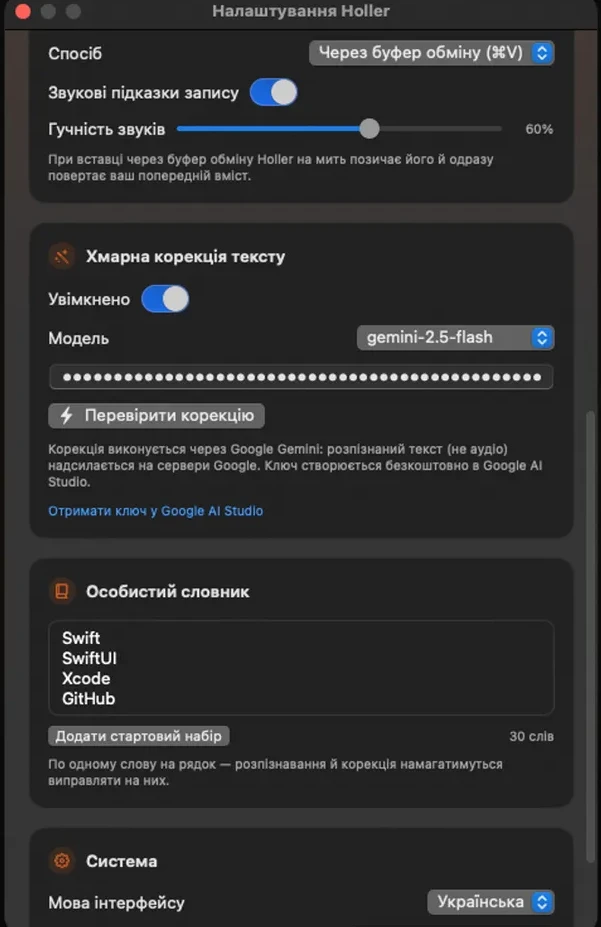
A personal dictionary for names and terms, plus optional cloud text correction for perfect punctuation.
 03 / 04
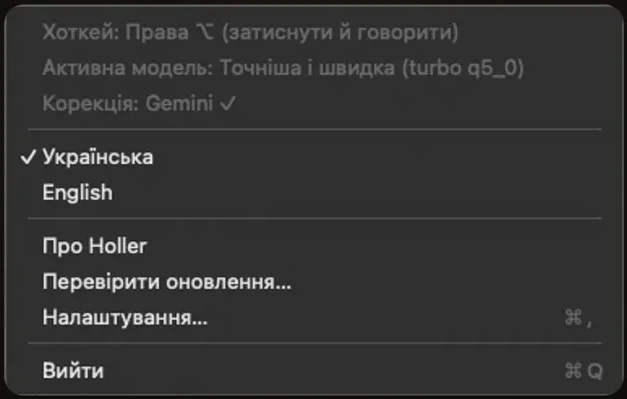
Holler lives in the menu bar: language, updates and settings always at hand.
 04 / 04
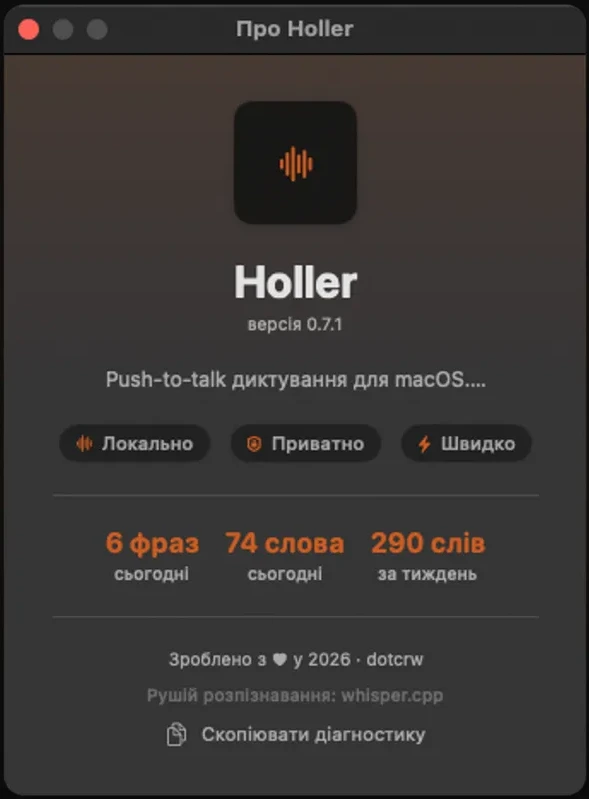
Recognition runs locally on whisper.cpp: audio never leaves the Mac. You see how many phrases and words you dictated today and this week.
Dictation becomes faster than typing: the first words appear before you finish the phrase, and no sound leaves the laptop.